Noname cheat for WARDOGS on Windows
Undetected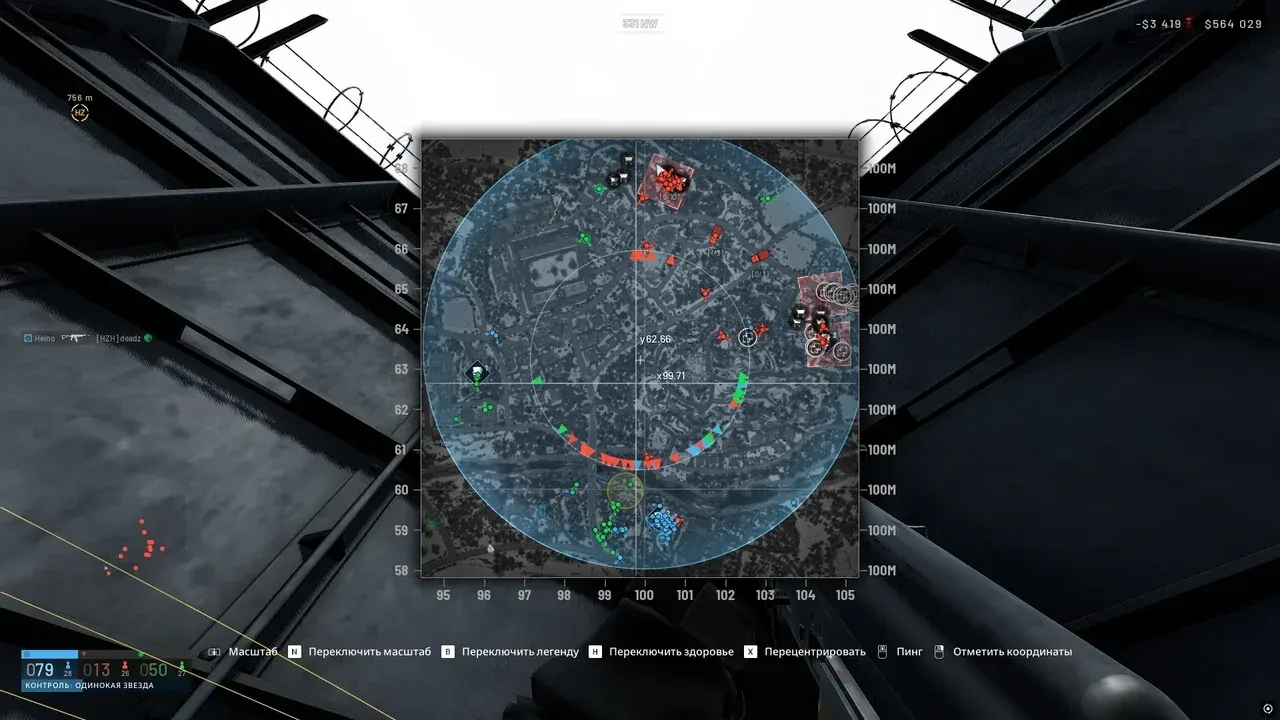
Purchase
Noname for WARDOGS: system requirements
About Noname for WARDOGS
Noname for WARDOGS stands out for its large number of manual settings. Vector Aim lets you configure the bone, priority by crosshair or distance, capture radius, smoothing, movement limit and dead zone. Bullet Teleport moves the bullet to a chosen point with an offset and approach side, No Recoil and No Spread remove recoil and spread, and the mortar gets two-target aiming with object filters.
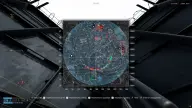
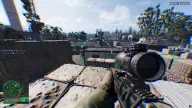
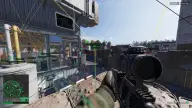
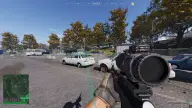
Player ESP shows the nickname, HP as a number and a bar, weapon, ammo in the magazine, head and chest armor, knocked or dead status and a detailed skeleton. Vehicles with per-component HP and passengers, doors, repair stations, containers, supply points and structures are shown separately, with markers on both maps. There are also bullet tracers, hand and weapon FOV and a custom crosshair.
Steam only, Windows 10 or 11 (21H2–25H2), windowed and borderless modes. The menu is in Russian and English, with settings search.
Features of Noname for WARDOGS
- boxes with visibility-based color and smoothing.
- player name and distance to them.
- all joints, team-based color, glow, thickness and joint dots.
- lines from the screen to players.
- shows your own team and the bodies of killed players.
- whether the player is knocked or dead.
- bar and numeric HP.
- item in hand and ammo in the magazine.
- head and chest armor durability as bars.
- from 10 to 1000 m for ESP and skeleton.
- removes recoil.
- removes spread.
- aimbot with an activation key and teammate ignore.
- closest to the crosshair or closest by distance.
- FOV circle with adjustable color.
- from 10 to 1000 m.
- stays on the selected enemy.
- head, neck, chest or pelvis.
- aim adjustment speed, movement limit and a no-correction zone.
- moves the bullet to the target.
- point selection without a skeleton and an offset from 1 to 500 cm.
- the side from which the bullet hits the target.
- two keys for the left and right targets, indicator tolerance.
- ignore players, vehicles, structures, containers, supplies, doors and stations.
- angle from 30 to 250°.
- cross or dot, thickness, size and stretch.
- general object ESP with radar output and an on-screen count limit.
- shot trails with color, thickness and fade time.
- name, distance, total HP and passengers.
- HP of individual vehicle components.
- structures on screen and on the maps.
- containers with name and distance.
- supply points on screen and on the maps.
- doors with markers on the maps.
- repair stations on screen and on the maps.
- markers on the minimap and the large map, with size and color for each category.
- round or square, range up to 1000 m, opacity and position.
- player names, view direction and rotation with the camera.
- custom colors for teams, bodies, health, armor and lines, palette reset.
- menu, ESP and exit on separate keys.
- an option to keep the overlay out of screen recordings.
- scale, opacity, VSync and overlay visibility mode.
- creating, saving, loading, deleting and resetting settings.
- Russian or English language, settings search, manual value input.
- an ESP and skeleton sample right in the menu.
- the remaining subscription time is shown in the menu.