Chams Pro cheat for Escape from Tarkov on Windows
Updating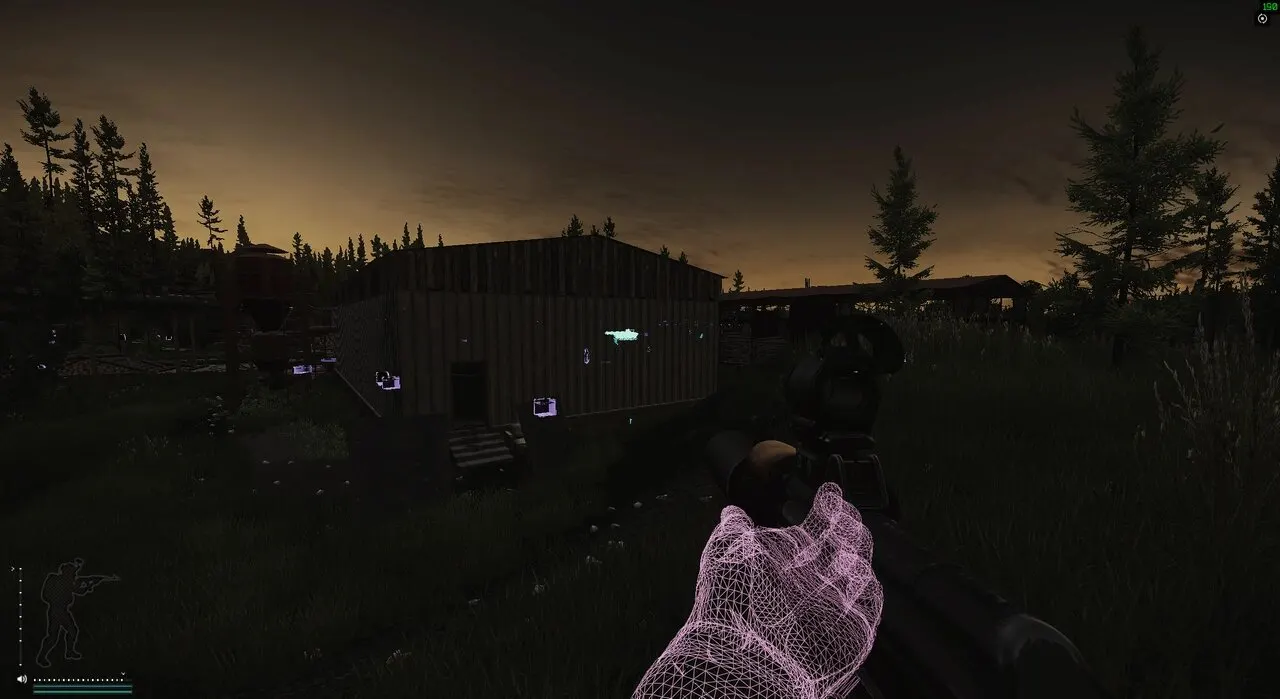
CHAMS PRO is being updated: the developer is releasing a new version. Sales resume as soon as it is out.
Ask about timingChams Pro for Escape from Tarkov: system requirements
About Chams Pro for Escape from Tarkov
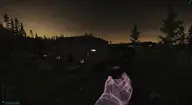
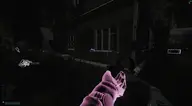
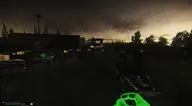
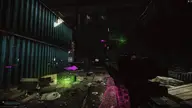
Chams Pro is a cheat for Escape from Tarkov that fills character models entirely with color and shows them through walls. This wallhack works on PMCs, Scavs, bots and bosses, and also highlights weapons and the bodies of the dead.
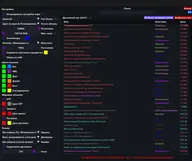
The visibility check separates targets in direct line of sight from those behind cover. Visible players are marked green, hidden players and PMCs pink, bots blue, Scavs orange and bosses red. The wallhack range in meters is set separately for living targets and for corpses, and fine-tuning of the Chams is available through console commands.
It requires Windows 10 or 11, builds 21H2–23H2, and an Intel or AMD processor; the game is launched in windowed or borderless mode from the BSG Launcher or Steam. No HWID spoofer is included, and you will not need a USB flash drive.
Features of Chams Pro for Escape from Tarkov
- turns the Chams wallhack on/off.
- a visual feature that fully fills character models with color.
- filled chams on enemy characters are visible even through walls.
- players behind walls and players in direct view are colored differently.
- chams wallhack on players.
- wallhack that shows bots.
- chams also work on Scavs.
- wallhack on PMCs.
- shows bosses with EFT Chams.
- turns on the weapon wallhack.
- shows dead players' bodies.
- wallhack range in meters.
- wallhack range for showing dead bodies.
- console commands for setting up EFT Chams.
- green.
- pink.
- blue.
- orange.
- red.