715 Team Radar cheat for Escape from Tarkov on Windows
Undetected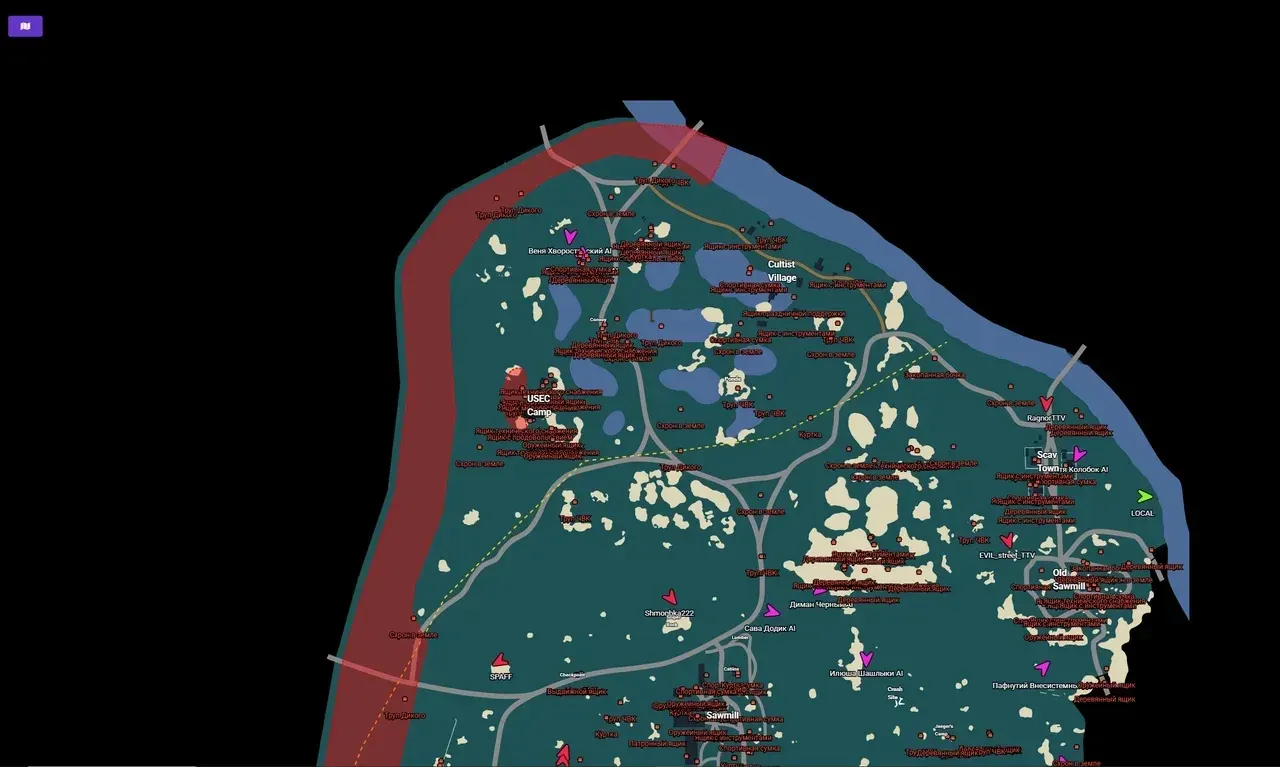
Purchase
715 Team Radar for Escape from Tarkov: system requirements
About 715 Team Radar for Escape from Tarkov
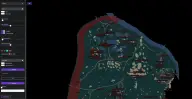
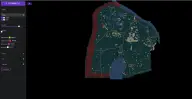
715 Team Radar is a radar for Escape from Tarkov that shows the situation on a layout of the selected map: from Factory and Customs to Streets of Tarkov and Ground Zero.
The radar shows allies, enemies and bots in different colors, along with their names, bodies, loot and containers. Loot can be filtered by specific items and by minimum price, and extracts are marked with their own icons. The quest helper places task markers, hides completed ones and opens a window with the full description of the active quest. Icon and font sizes and all colors are customizable, and settings are saved.
The requirements are strict: Windows 10 Pro and a GPT-partitioned disk (doesn't work with MBR), and installation is not simple. It's hidden from OBS recording; there's no spoofer.
Features of 715 Team Radar for Escape from Tarkov
- layouts of Factory, Customs, Woods, Shoreline, Interchange, The Lab, Reserve, Lighthouse, Streets of Tarkov and Ground Zero.
- allies, enemies and bots on the radar with names.
- custom colors for allies, enemies, bots and labels.
- the dead, with names and a separate color.
- items on the map with names.
- crates with labels and their own color.
- shows only the selected items.
- loot worth at least a set value.
- extract points with names.
- task markers with labels on the map.
- full info on the objectives of the active quest.
- markers of completed tasks disappear.
- adjustable for all object types.
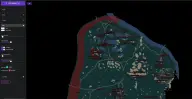
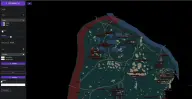
- the menu remembers your configuration.