Mason cheat for Fortnite on Windows
Undetected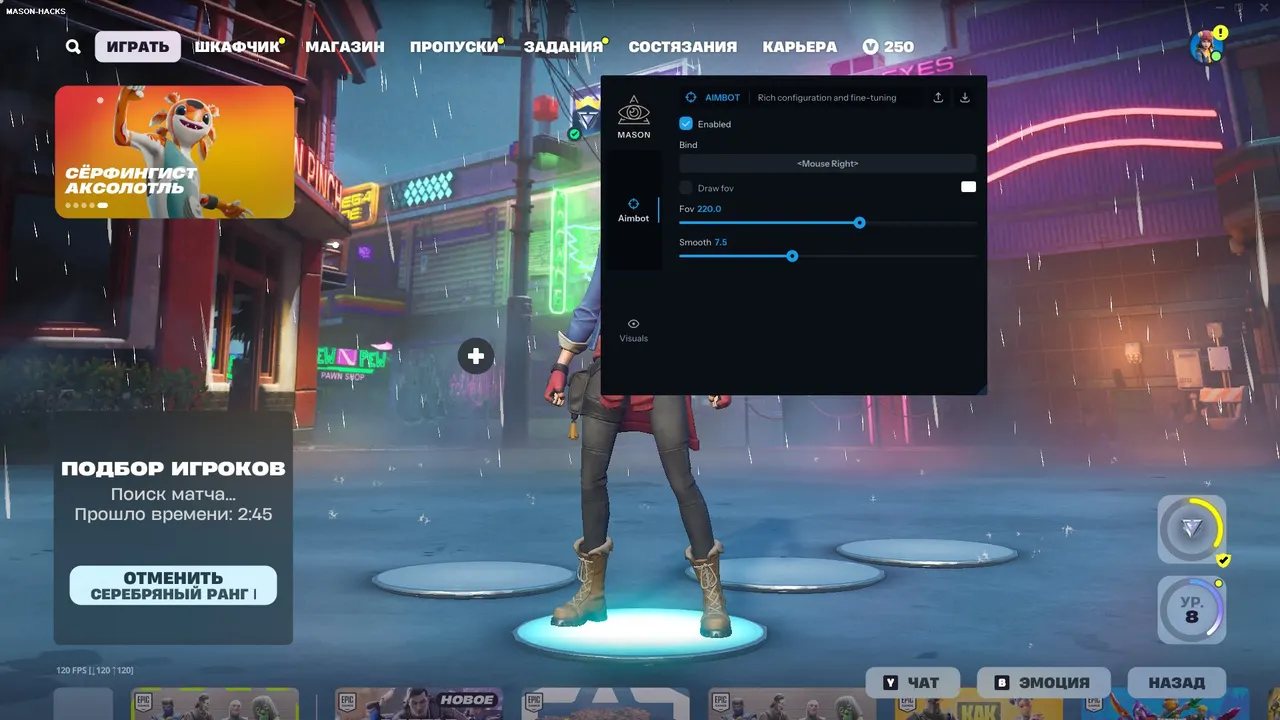
Purchase
Setup instructions
Mason for Fortnite: system requirements
About Mason for Fortnite
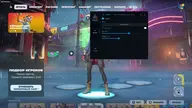
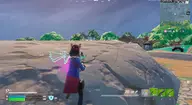
Mason for Fortnite has an aimbot with automatic target switching, prediction, bone selection, radius and smoothing.
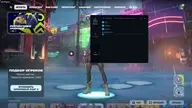
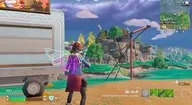
ESP: name, weapon, 2D box, skeleton, lines, distance, an enemy reload marker and ignoring your own team; Battle-Mode leaves only players on screen. The cheat also draws its own crosshair, the aim capture radius and a radar with adjustable size and radius.
Other features are instant weapon reload and instant teammate revive, and the Panic Key turns the cheat off quickly. The cheat is not visible in video recordings or screenshots. It needs the Epic Games version of the game (Easy Anti-Cheat), running in windowed mode or in a fullscreen window; supported systems are Windows 10 and Windows 11 x64, builds 2004 to 26H1, and supported processors are Intel and AMD. Before launch, enable VT-x/VT-d as well as the Hyper-V component and disable Secure Boot; you will also need a USB flash drive, UEFI boot in the BIOS and GPT on the system disk.
Features of Mason for Fortnite
- turns the aimbot tab on/off.
- automatic switching between targets.
- the aim leads the target along the enemy's movement.
- the key that triggers the aim.
- choice of the bone the aim locks onto.
- target capture radius (aimbot working zone).
- aim smoothing: adjusts how fast the crosshair moves.
- shows the aimbot radius on screen.
- shows the enemy's name.
- shows the weapon in the player's hands.
- 2D frame around the model (boxes).
- draws the bones of the enemy's skeleton.
- wallhack lines from the screen to the target.
- shows players' reload status.
- the distance to each enemy.
- the range limit up to which ESP draws players.
- hide teammates.
- at the press of a key, turns off extra visuals and leaves only the player display.
- the cheat's menu and overlay do not show up in videos or screenshots.
- draws the cheat's own crosshair on screen.
- turns on the 2D radar.
- how much screen space the radar takes up.
- the range within which the radar shows enemies.
- instant weapon reload.
- instant teammate revive.
- a cheat mode that reduces CPU load.
- pressing this key brings up the cheat menu.
- a key to switch the cheat off quickly.
- loads a cheat settings config from the clipboard.
- saves the current cheat settings to the clipboard.