Mason Lite cheat for Rust on Windows
Undetected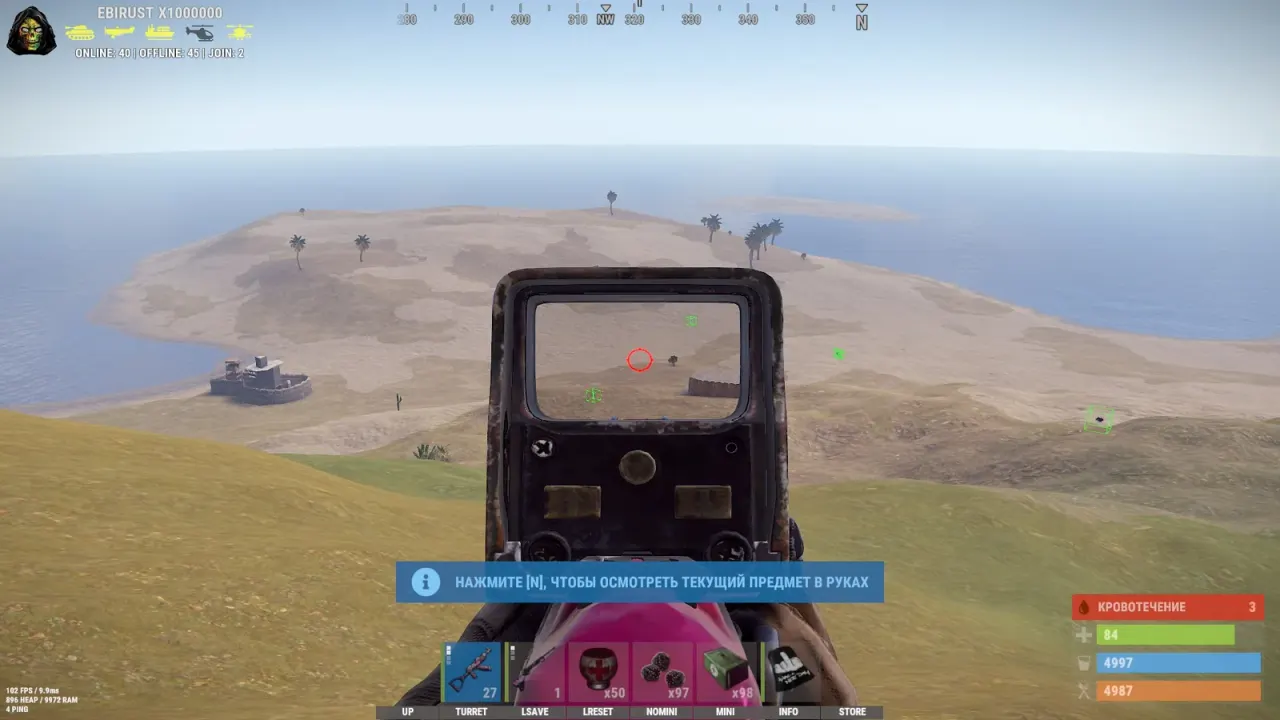


Purchase
Mason Lite for Rust: system requirements
About Mason Lite for Rust
Mason Lite is a stripped-down variant of Mason for the Steam version of Rust: no menu and no settings. Its whole feature set comes down to one option, Player Box, so it is a purely visual build: there is no aimbot, Silent Aim, Chams or loot ESP here. Those stay in Mason Full, while PSilent and auto fire are in Mason Rust Internal.
Player Box draws a square frame around every player. The boxes switch on automatically and stay for the whole session; they cannot be turned off.
You will need a USB flash drive to launch it. Supported systems are Windows 10 x64 (22H2) and Windows 11 (24H2, 25H2), and on the hardware side an Intel or AMD processor. The game can run windowed, borderless windowed or fullscreen, and its anti-cheat is Easy Anti-Cheat. Lite has no capture hiding: the boxes may be visible in videos, streams and screenshots.
Features of Mason Lite for Rust
- draws a square frame around every player on screen.
- there is no settings interface, nothing to choose or tune.
- the boxes switch on automatically, with no action needed from the player.
- Player Box stays active for the whole game and cannot be turned off.